
Keywords Search
![]()
 GH Basic Operate
 01:How to open the GH parameterization interface
02:What should I do if my GH component doesn't show the icon?
03:How to Recall Components
04:How to move components
05:How to move the GH interface
06:How to grab objects into GH
07:How to connect the component
08: How to Component Connections
09:How to Remove Components
10:How to change the display color of GH objects
11:GH window minimized
12:How to call the data bar
13:Setting Component Shortcuts
14:How to bake objects
15:How to hide the display component
16:How to save components files
17:How are GH Components placed or removed?
01:How to open the GH parameterization interface
02:What should I do if my GH component doesn't show the icon?
03:How to Recall Components
04:How to move components
05:How to move the GH interface
06:How to grab objects into GH
07:How to connect the component
08: How to Component Connections
09:How to Remove Components
10:How to change the display color of GH objects
11:GH window minimized
12:How to call the data bar
13:Setting Component Shortcuts
14:How to bake objects
15:How to hide the display component
16:How to save components files
17:How are GH Components placed or removed?
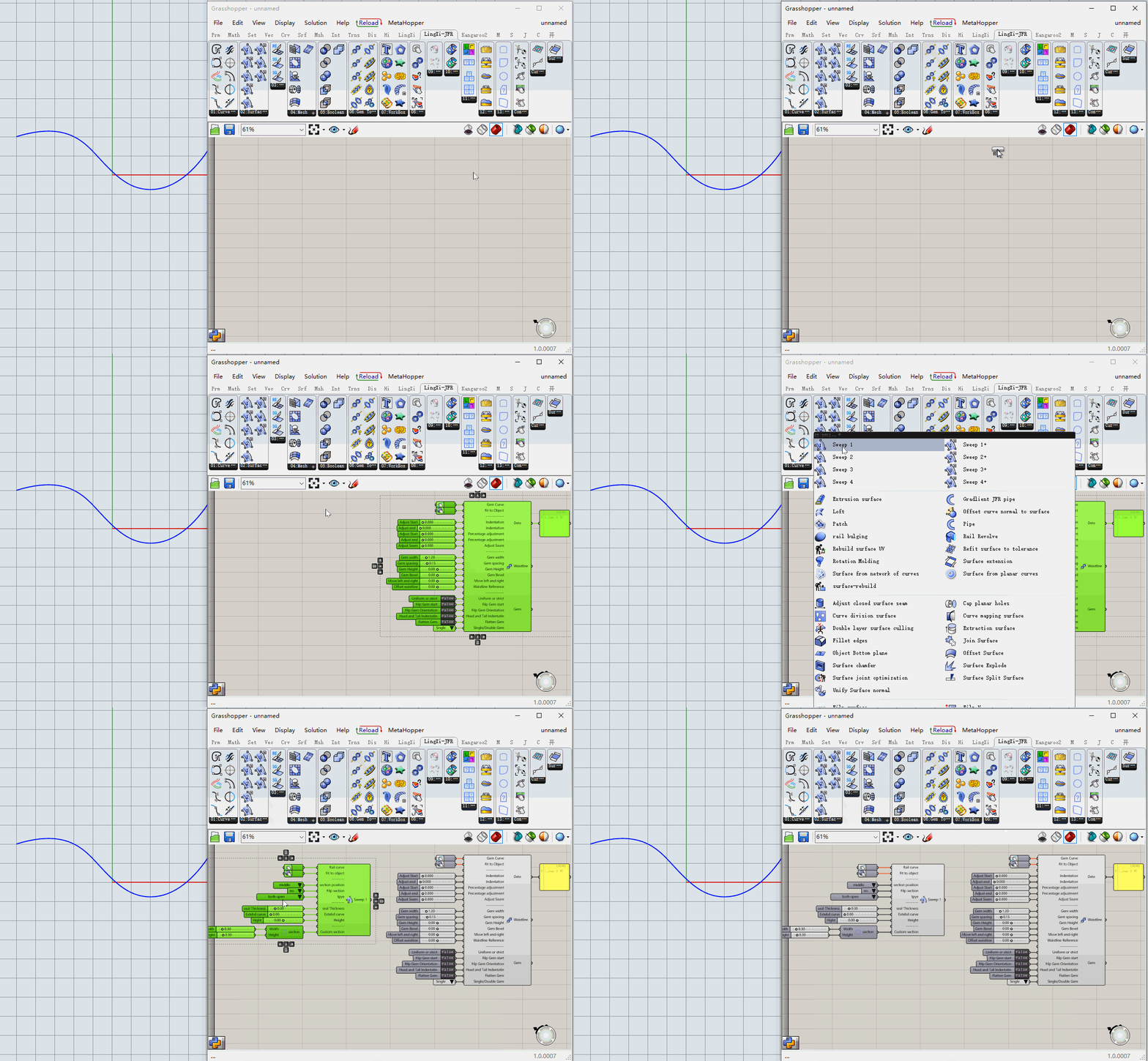
invoke a methodLeft mouse click on the component above and then left mouse click on the blank panel to call out
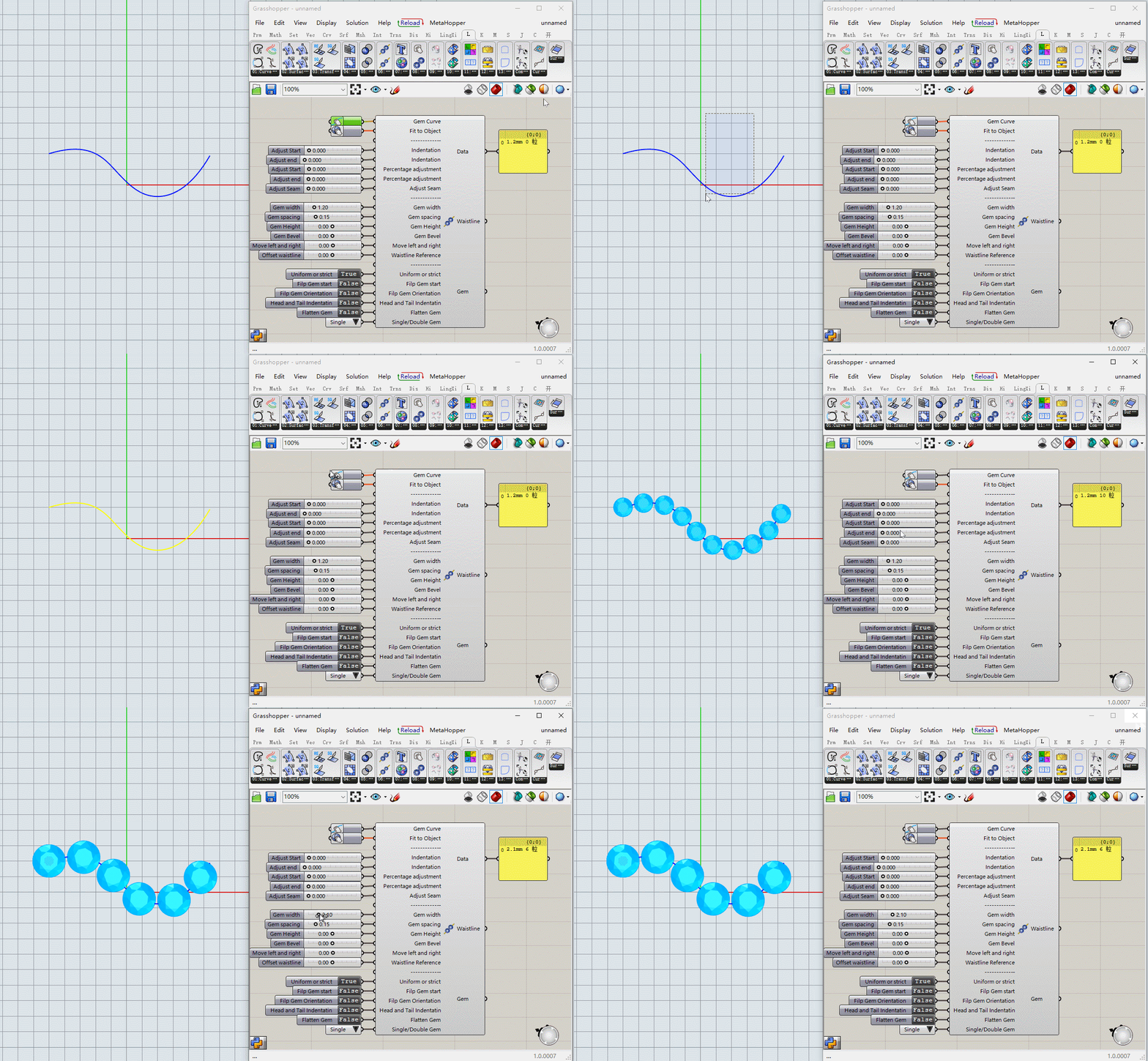
How to useSelect the object, then left mouse click on the grab icon

LINGXI Official
Scan QR code to add Whatsapp Inquire about or purchase plug-ins

Jewelry For Rhino

